|
|

|

Time filter
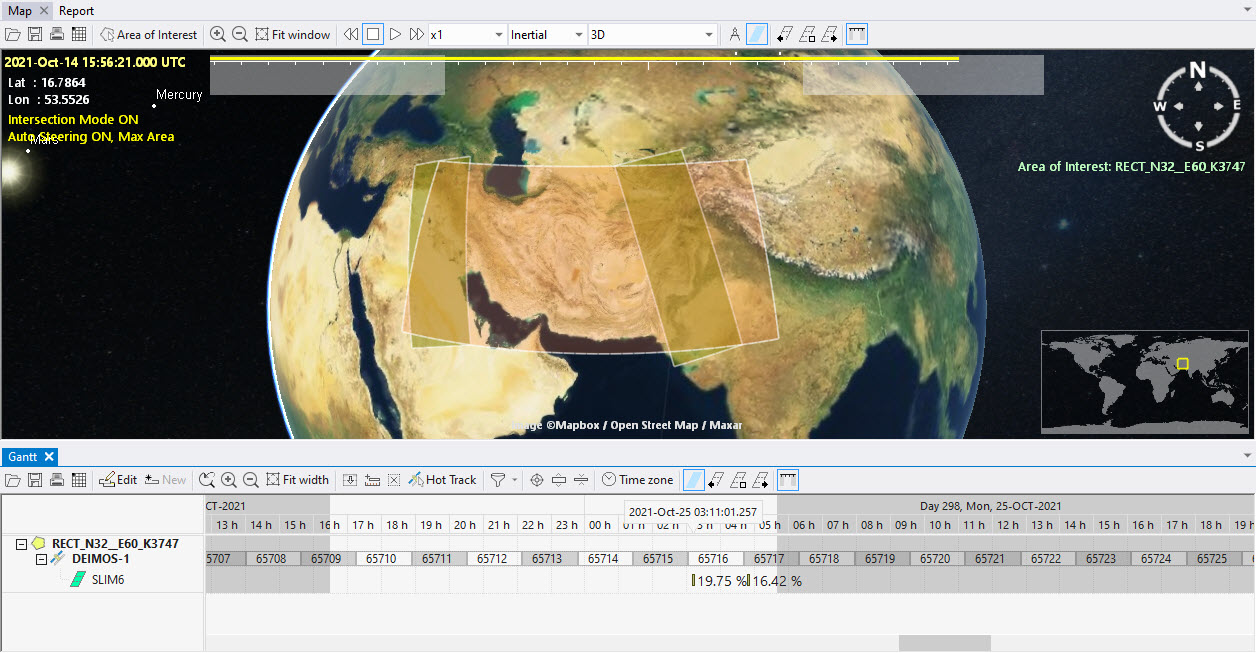
The time filter helps reducing the display clutter when visualizing solutions with many swaths. It is defined by start and stop times. Swaths falling out of the filter boundaries are not displayed.
The time filter is activated via a toggle button in the map or Gantt toolbar, and via menu "View / Time filter".

When active, the time filter shows on time bar as unshaded zone. The time filter boundaries are indicated by two vertical bars that can be clicked and dragged to change the start and stop times of the filter.

The filter can be shifted to the previous or the next period with the left and right button in the time bar toolbar.
| Filter OFF | Filter ON |

|

|
The time filter will hide swaths also on the Gantt and the Report views.
Multisatellite Swath Planner - © Taitus Software Italia srl All rights reserved- info: support@taitus.it